Runlix
The engine, the chat, the server. One app.
Runlix runs AI models on your Mac: its own Rust engine on MLX, a chat that can use tools, and a server other apps plug into. macOS 14 and later, Apple Silicon.
Updated 2026-09-12Measured 2026-09-07
Most ways of running a model locally are a kit: an engine here, a chat there, a server somewhere else, and a folder of downloads you manage yourself. Runlix is the four of them in one application, and the engine underneath is its own.
The engine
A Rust engine on MLX. Models load in the same process — no Python at all, no server to start first.
Six model families, verified →The chat
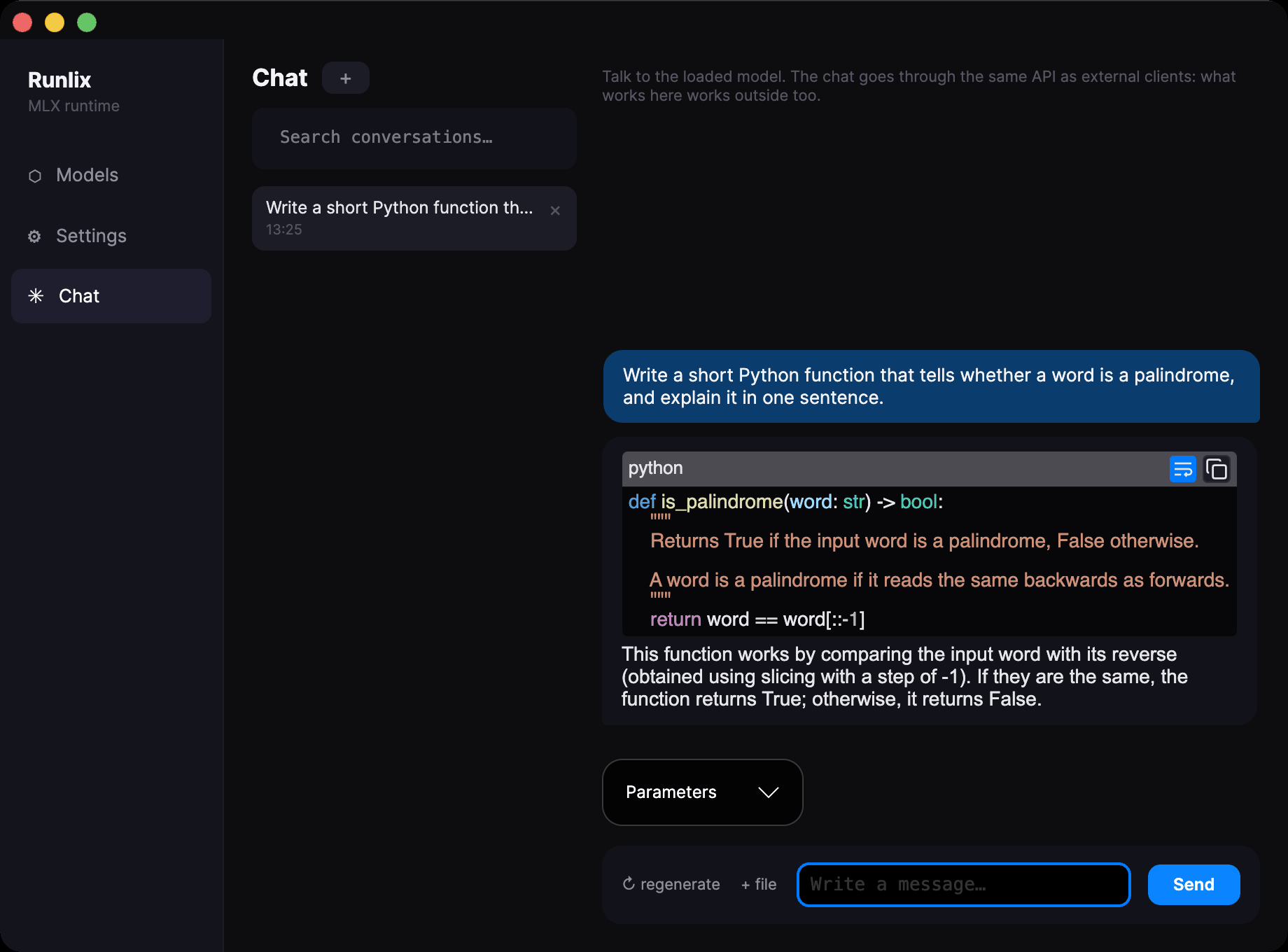
Conversations that are searchable months later, text attachments, and tools over MCP: the model can call things and read the answers.
How tool use works →The server
An HTTP API on localhost, compatible with OpenAI and with Ollama. Editors and scripts that already talk to either point at it and work.
What actually connects →The models
Search the Hugging Face catalogue, and find out whether a model will run before downloading it. Queued downloads resume where they stopped.
The compatibility verdict →It tells you before you download, not after
Downloading eight gigabytes to find out the model will not load is the normal experience of running AI locally. Runlix asks Hugging Face first, reads the description the model gives of itself, and hands you a verdict with the reason written next to it.
mlx-lm knows it,
so it can be added.
It also resolves aliases, which is the part that catches people out: mistral is another name
for llama in MLX, so a Mistral model runs on the native engine even though nothing in its name
says so. Runlix says that in the verdict rather than leaving you to find out.
Measured against mlx-lm, not described
The engine generates tokens that are identical to mlx_lm — verified against oracles
generated by mlx_lm itself, not by eyeballing the output. Speed is a ratio against the same
reference, and every ratio carries the date it was taken.
Reference: mlx-lm = 100%. Measured 7 September 2026 on Llama-3.2-1B, 4-bit. Speed on a shared machine varies between runs: these are the numbers from one sitting, not a best case.
Slower than the reference, then — and said so. The engine exists to run in-process and to be
ours, not to beat mlx_lm at its own arithmetic.
Who this is for
Three kinds of people want the same thing here for different reasons. The site is written for all three rather than pretending they are one.
You build with models
The interesting parts are the engine and the server: a runtime you can read, tokens verified against a reference rather than eyeballed, and an endpoint your editor and your scripts point at without writing an adapter.
You are curious, on your own Mac
Tired of choosing between a browser tab and a command line. One application with a chat in it and a catalogue that tells you what will run before you spend the download.
Some things cannot leave your machine
A client's documents, a patient's notes, a case file. Here the argument is not speed: no account, no telemetry, no crash reporting, no usage statistics, and the network touched only when you go looking for a model.
What is not here yet, and what you need
Not here yet
Runlix is version 0.1.0 and there is nothing to download. The application is signed ad-hoc rather than notarised, so macOS will refuse to open it until you allow it explicitly.
It reads safetensors in the MLX format only — no GGUF, ever, a decision and not a gap. No vision models yet.
Tools run in the Runlix chat; through the HTTP API the model returns the calls and your own client executes them.
What you need
macOS 14 or later, on Apple Silicon. Intel Macs are out of scope and always will be: MLX runs on the Apple GPU, and there is no version of this that works without one.
Disk is mostly a question of models rather than of the application itself.
The roadmap is the honest version of all this, and it mirrors the project's own milestones rather than being written for the website.